
10 Simple AI Automations That Can Save You Time Every Week

What if I showed you a way to finish those small, repetitive tasks faster? What if the solution is easier than you think? Would you be willing to try?
Simple tasks such as reading an email, writing a reply, organizing your notes, or updating your to-do list take a few minutes of your time. But together, they can eat up hours. What if you could complete those tasks automatically?
AI automation can take care of small, predictable tasks, allowing you to have more free time to focus on what matters: your business, your ideas, or maybe leaving work earlier and having a life. Let’s look if any of these can make your week easier.
In This Article:
10 simple AI Automations that Can Help You Have more Free Time.

Use AI to Summarize Long Emails
Have you ever opened an email, looked at those paragraphs, and decided to read it later because it was too long? Then, three hours later, you open the email again, and it looks even longer? Instead of reading every line, copy the email into an AI tool and ask:
Summarize this email in five bullet points. In a few words tell me what I need to know, what the sender wants, and whether I need to take any action.
In seconds, you’ll have the important points without digging through introductions, explanations, and three different versions of “I hope this email finds you well. Be sure to delete names, financial data, passwords, health information, or any sensitive details before pasting an email into an AI tool. AI can shorten an email; but it is up to you to protect your private information.
Which AI tool can you use?
ChatGPT is the easiest option if you want to paste the email and ask for a summary. If you use Gmail, Gemini can summarize an email thread without making you leave your inbox. Outlook users can use Microsoft Copilot.
Let AI Help You Write Email Replies
Let’s say you’ve read the email and now you need to respond. Probably you know what you want to say, but somehow turning those thoughts into a clear reply takes longer than expected. Well, AI can write that email response for you. It’s super easy. Copy the email into an AI tool, explain what you want to say, and ask:
Write a friendly reply to this email. Thank the sender, answer the main question, and explain that I’ll send the information by Friday. Keep it warm and brief.
The more details you give AI, the better the reply. You can also ask it to make the email friendlier, shorter, or more professional. You can use ChatGPT to write the reply, or keep everything inside your inbox. Gemini can help draft responses in Gmail, while Microsoft Copilot can do the same in Outlook.
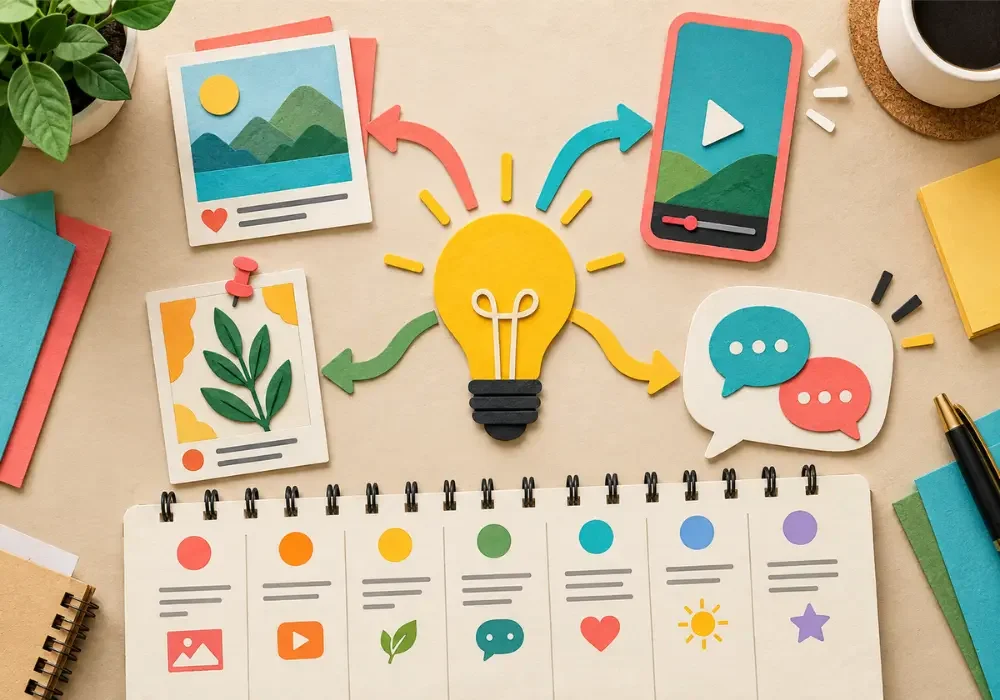
Turn One Idea Into Several Social Media Posts
Remember when you finished writing that long blog post and thought, Finally, I’m done? But you weren’t.
Why?
Because you had to create a Pinterest description, an Instagram caption, a Facebook post, and maybe more for social media. By the time you finished promoting the article, you were probably tired of hearing about your own article. This is where AI can save you time. Give it your blog post and ask it to turn the main idea into content for the platforms you use.
Try this prompt:
Read this blog post and create a Pinterest description, an Instagram caption, and a Facebook post. Keep my tone friendly and natural. Make each one sound different and suitable for the platform.
Don’t copy and publish everything without reading it first. Add a personal story, change any words you wouldn’t normally use, and check that the information is correct. You can use ChatGPT, Gemini, or Claude for this.
Create a Week of Social Media Captions at Once
Remember when you had that perfect photo ready to post, and you sat staring at the empty caption box for minutes? Yep! It happens. Sometimes taking the photo is fast. Writing the caption is another story.
Well, struggle no more. Tell AI what you plan to share during the week and ask for captions. Read them, and keep the good ones. You can rewrite the awkward ones, and add something personal. You can ask ChatGPT to create the captions, use Canva’s Magic Write while working on your designs, or try Buffer’s AI Assistant if you also want to schedule the posts.
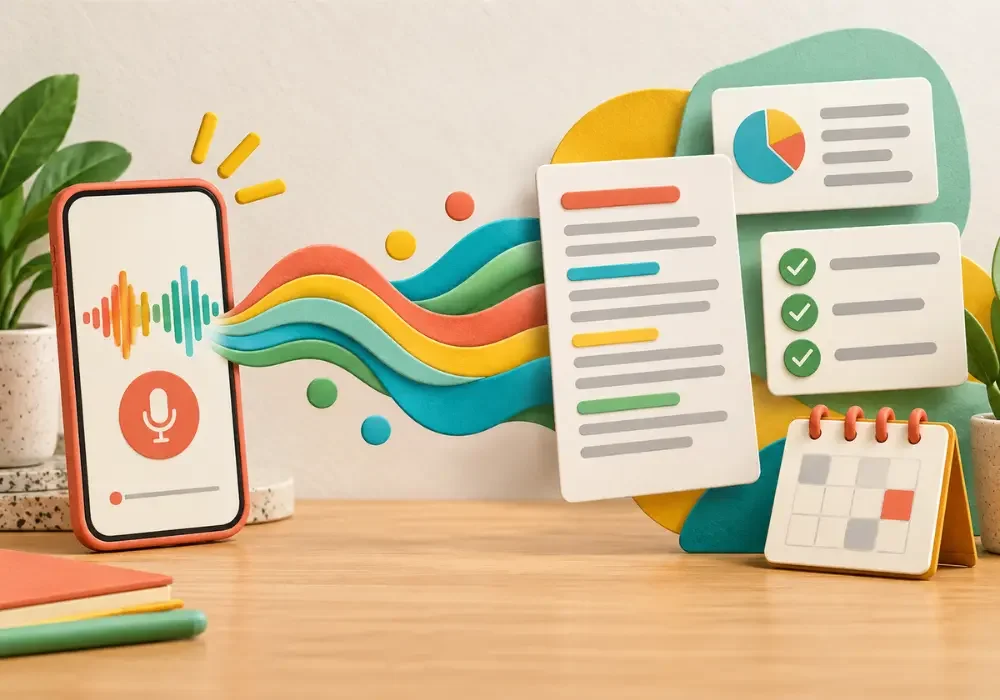
Turn Voice Notes Into Blog Posts and Emails
Have you ever had a brilliant idea while driving, or standing in the shower with shampoo in your hair? By the time you find somewhere to write it down, half the idea has disappeared? Yes! It happens to me more often than I want to admit.
This is why I love voice notes. They are so practical and super easy. Open the recorder on your phone and say whatever you have in mind. Don’t worry about sounding correct or organized. Talk, pause, change your mind, and start again. Nobody is grading the recording. Use apps such as ChatGPT, Otter.ai, or Descript to turn your recording into text.
Keep Your Best Content Circulating
Remember that great post you shared once, and then left behind as if it had completed its mission in life? Most followers probably never saw it.
Use a scheduling app such as Buffer, Later, or Metricool to bring your best content back from time to time. AI can write a new caption, change opening question, or pull a different idea from the same post.
Of course, check each post before it goes out. Nobody wants to wake up in July and discover their account has automatically wished everyone a Merry Christmas.
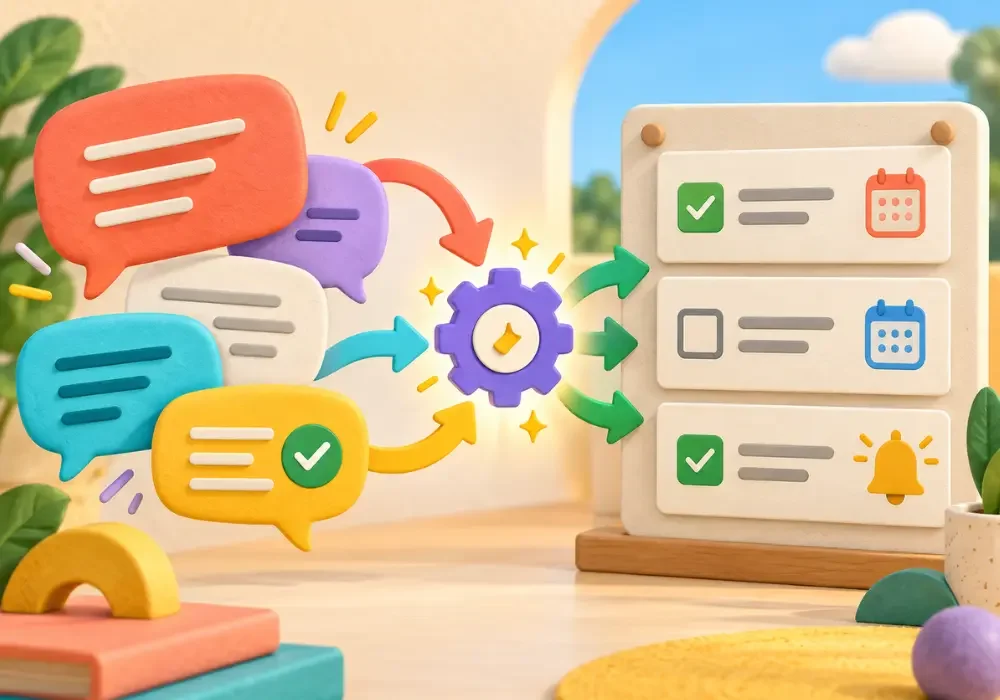
Turn Conversations Into Tasks Automatically
Have you ever said, “Sure, I’ll take care of that,” and forgot about it five minutes later? You meant to remember it. You were absolutely going to remember it. But someone called, and a message arrived, and then, vanished!
Apps such as Zapier or Make can connect your email or chat app to a task manager such as Trello or Todoist. AI can pull out the task, deadline, and important details, then add them to your to-do list. Absolutely brilliant.
Create Meeting Notes and Next Steps Automatically
Have you ever left a meeting knowing you discussed something important, but you couldn’t remember who agreed to do what? Everyone remembers the conversation differently. Suddenly, a 30-minute meeting needs another meeting.
Apps such as Otter, Fathom, and Fireflies.ai can do it for you. They record the conversation, create a transcript, summarize the main points, and pull out the next steps. Voila! You can pay attention to the people in the meeting instead of writing notes and hoping your handwriting makes sense later. Always tell everyone before recording, and read the summary afterward.
Build Checklists for Tasks You Repeat
You have published dozens of blog posts, so you should know every step. Add the links. Check the title. Write the alt text, disclosures, and share the post. Easy, right?
But after you hit the publish button, you realize you forgot the meta description. Again.
Tell AI about a task you repeat and ask it to turn the process into a checklist. You can use ChatGPT to create the list, then save it in Trello, Notion, or whichever app already holds the rest of your life.
Try this prompt:
Create a step-by-step checklist for publishing a blog post. Include editing, links, images, alt text, SEO settings, disclosures, mobile review, and promotion.

Turn Your Scrolling Time Into Useful Research
Remember that great idea you found while scrolling on TikTok, saved it, and never looked at it again?
Somewhere inside my phone, there is a collection of brilliant posts I was absolutely going to revisit. Someday…
Instead of saving everything and hoping for the best, take a screenshot or copy the link into an AI tool such as ChatGPT, Perplexity or NotebookLM. Ask to summarize the main point, explain why the content caught your attention, and suggest ways you could explore the topic in your own work.
Try this prompt:
Summarize the main idea in this post. Give me three questions I could research and five original content ideas inspired by the topic. Do not copy the creator’s words.
Which AI Automation Should You Try First?
Start with the task that bothers you the most. Maybe it’s answering emails, writing captions, or trying to remember what everyone said during a meeting.
Choose one task and test one automation for a week. That’s it. If it saves time and makes your day easier, keep it. Then try another.
Frequently Asked Questions About AI Automation
What Is AI Automation?
AI automation means using artificial intelligence to complete part of a task with little help from you.
Can I Use AI Automation for Free?
Yes. Many AI tools offer free versions, although they may limit how often you can use certain features.
What Is the Easiest AI Automation for Beginners?
Start by asking AI to summarize a long email, organize a messy list, or write the first draft of a reply.
Do I Need Technical Skills to Automate Tasks?
No. Many tools guide you through the process without requiring code.
Is It Safe to Give Emails or Documents to AI?
Remove passwords, financial details, health information, private customer data, and anything else you wouldn’t want shared.
Which Tasks Should I Never Leave Completely to AI?
Don’t give AI the final word on legal, medical, financial, hiring, or other important decisions. You should also review messages involving private information, promises, prices, deadlines, or personal relationships.
How Much Time Can AI Automation Really Save?
That depends on the task and how often you repeat it. One email summary may save only a few minutes, but those minutes add up when you handle the same kind of work every day.
Get The Latest

Martrutt
Founder of Midlife Accent and The Lobster Effect. She lives in North Dakota. Through her writing, she shares stories, wellness, business, travel, and the unexpected adventures of everyday life.
A quick note: This post is for general information and shares simple ways to use AI tools. Features, prices, and free plans can change, so check each app before signing up.
Disclaimer: AI-generated summaries, replies, notes, and other content may contain mistakes. Always review the final result before using, publishing, publishing, or sending it. Never upload passwords, financial information, private client details, health records, or other sensitive information without understanding how the tool stores and uses your data. You are responsible for deciding which tools and automations are appropriate for your work.